MazaCAM Convert Between Controls
The MazaCAM Convert module allows you to convert Mazatrol programs between Mazak control generations. Whether you are upgrading machines or running a mixed Mazak shop, MazaCAM ensures your Mazatrol programs remain usable across all Mazak CNCs — from the earliest T1/T2 controls to the latest SmoothX and SmoothG systems.
What the Convert Module Does
The Convert module translates Mazatrol programs from one Mazak control type to another, allowing you to move jobs between machines without rewriting programs at the control.
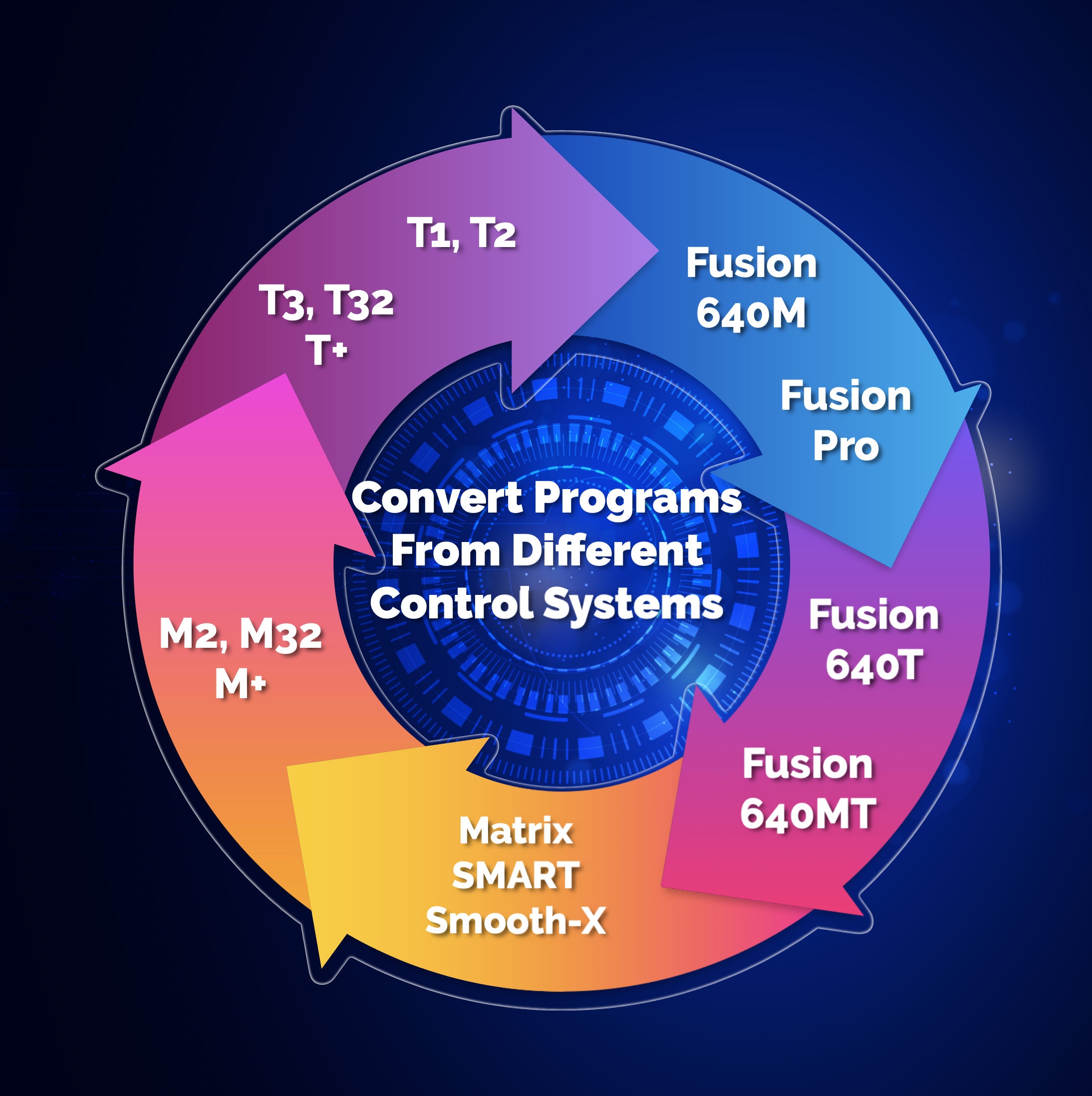
Convert Between Controls
Translate Mazatrol programs between any Mazak control generation — old to new, new to old, or across mixed generations.
Preserve Proven Programs
Keep your existing Mazatrol programs usable even when upgrading machines or adding new Mazaks.
Move Jobs Between Machines
Run the same Mazatrol program on different Mazak machines without manual re‑entry.
Reduce Programming Time
Eliminate rewriting Mazatrol programs when switching machines or control generations.
Supported Mazak Controls
Legacy Controls
T1, T2, M2, M32, T32, M‑Plus, T‑Plus
Fusion / Smart
Fusion 640M/T/MT, Smart M/T
Matrix / Nexus
Matrix, Matrix 2, Matrix Nexus
Smooth Controls
SmoothX, SmoothG, SmoothC, SmoothEz, SmoothAi
How Conversion Works
1. Load Your Mazatrol Program
Import Mazatrol files from any supported Mazak control.
2. Choose Target Control
Select the Mazak control you want to convert the program to.
3. Convert & Review
MazaCAM automatically translates the program and highlights any differences.
4. Send to Machine
Output the converted Mazatrol program directly to your Mazak CNC.
See a Live Conversion
Want to see how MazaCAM converts Mazatrol between controls? Request a live demonstration.